Sick of trying to decode unintelligible aviation weather information? If so you need our new app!
You can view a preview of the app in use.
Visual Aircraft Forecasts (VAF) for Australia reduces the complexity of aviation weather forecasting by providing graphical representations of the weather data provided by the various authorities.
Visual Aircraft Forecasts for Australia aggregates data from the Australian Bureau of Meteorology (BOM), National Oceanic and Atmospheric Administration (NOAA), International Civil Aviation Organization (ICAO) and the Open Weather Map organisation.
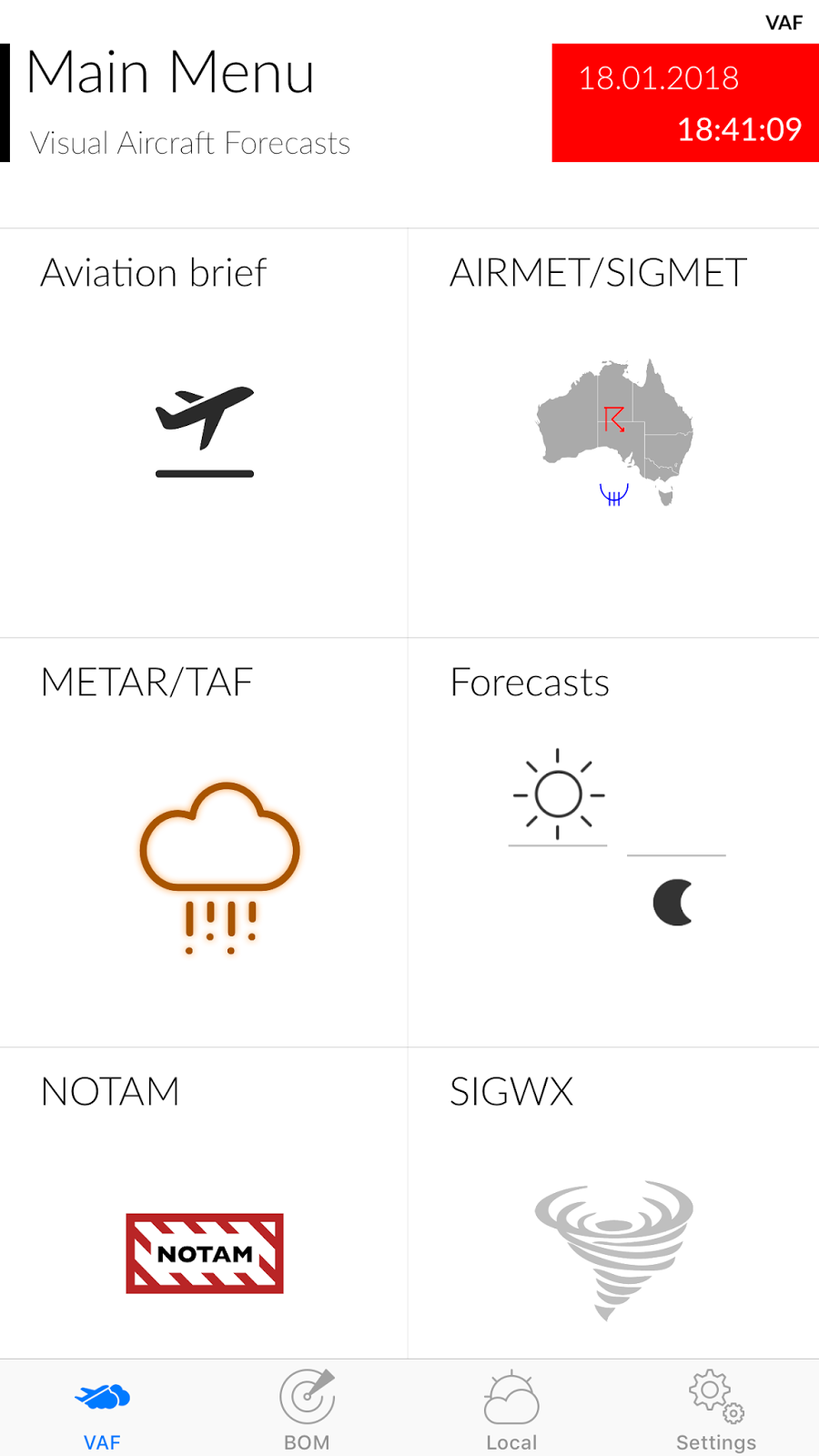
The VAF tab focusses on aviation specific information and includes:
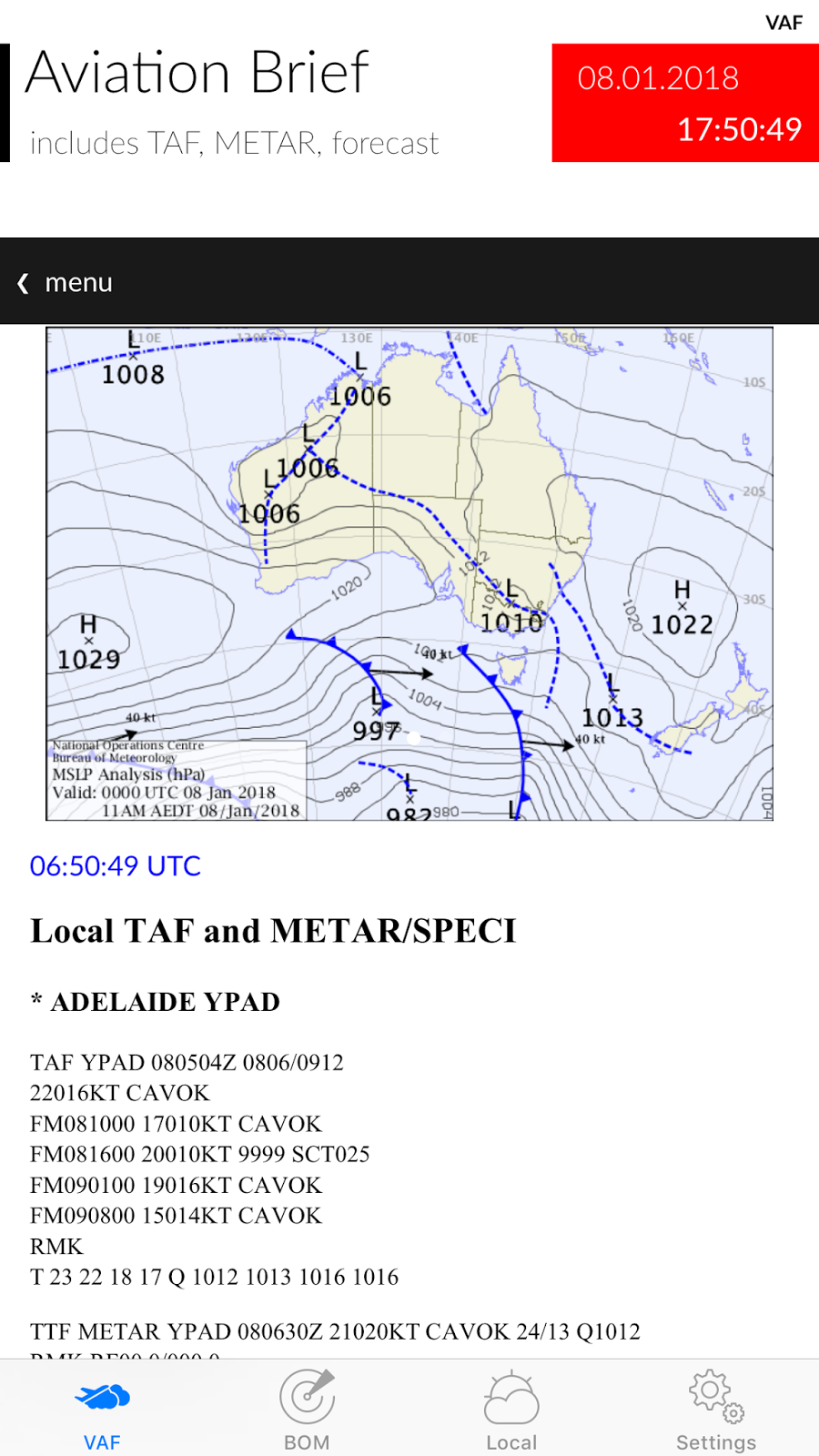
a) Aviation Briefs which are available for 10 regions in Australia. It is derived from the Aviation Weather Packages on the BOM web site.
b) AIRMET/SIGMET – The latest graphical and text based versions are provided (from the BOM). You can use two fingers to zoom in and out of the PDF’s on this screen.
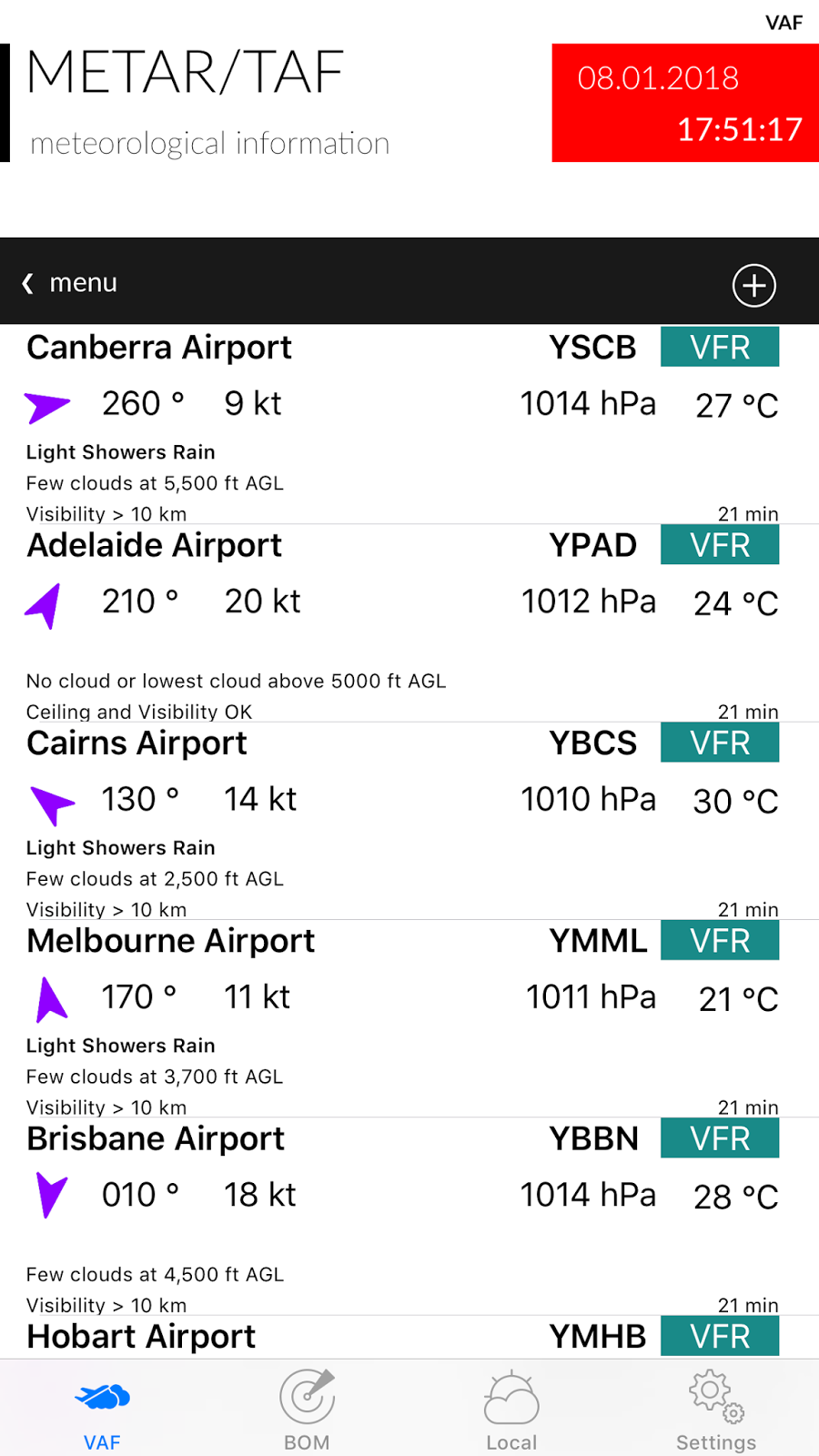
c) METAR/TAF – Are decoded for a selected list of airports. Display includes wind direction and speed, cloud cover, visibility, temperature and QNH. You can add additional airports using the + button (top right). To delete an airport, swipe left. In the Settings Tab you can select whether this data comes from BOM or NOAA (default is BOM). You get slightly different data depending on the source, but there are a lot more sites using BOM. Only the major airports are on NOAA but you also get Lat, Long, Elevation and Altimeter. Tap on a METAR to bring up the detailed version and to view the raw data.
d) Forecasts – these are the new Graphical Area Forecasts from BOM. You can use two fingers to zoom in and out on this screen as well.
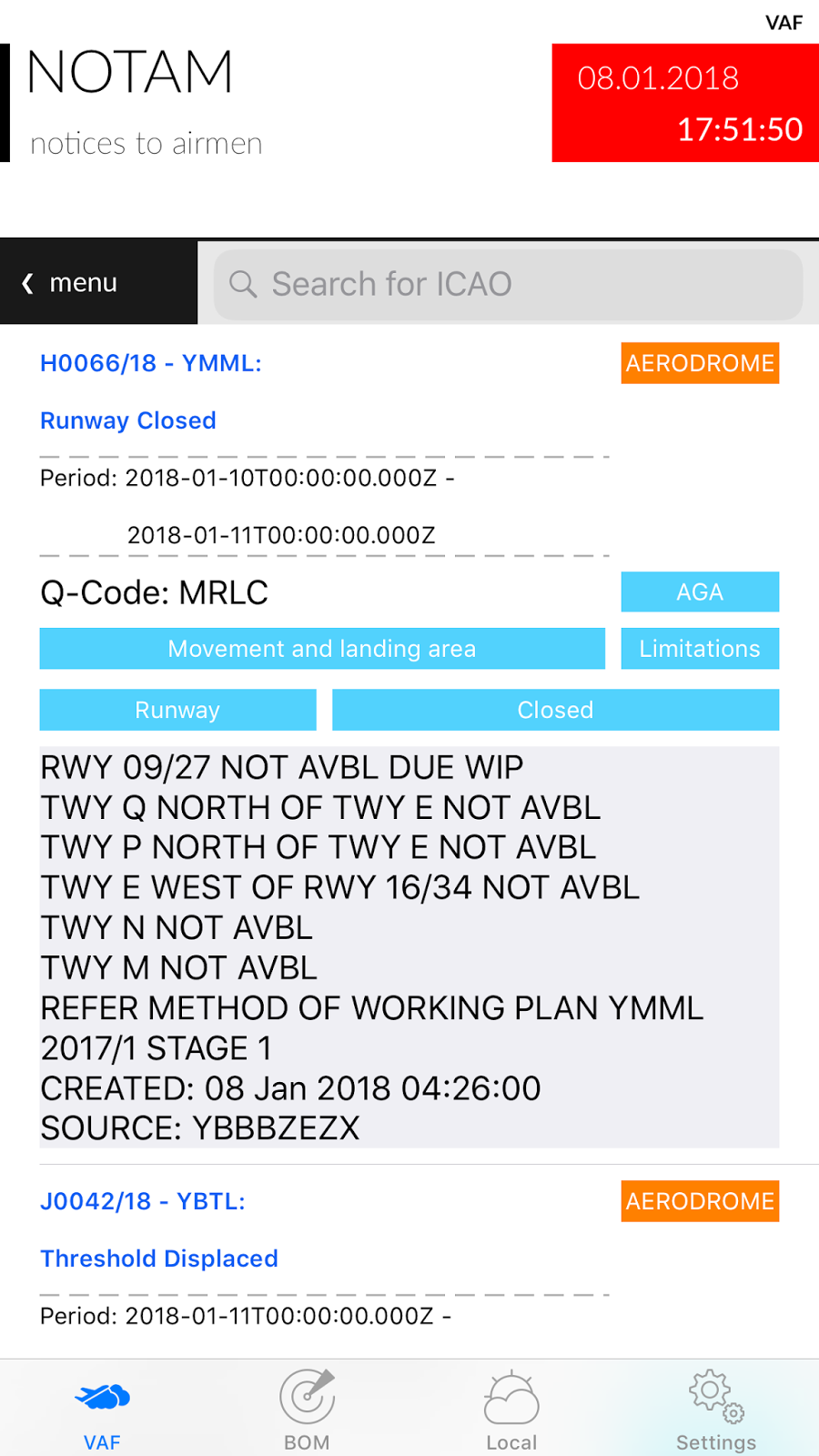
e) NOTAM – from the International Civil Aviation Organization (ICAO). NOTAMs are sorted by creation date. You can search for an airport using its ICAO code (e.g. YSSY for Sydney/Mascot Airport).
f) SIGWX – Significant Weather from the BOM. You can use two fingers to zoom in and out on this screen.
The BOM tab provides more generalised weather information, including:
a) Rain Radar – downloads an animation of recent rain radar information. Select the map of Australia in the menu bar to zoom in on a specific state.
b) Satellite Images – from the Himawari-8 weather satellite. Includes satellite notes from the BOM.
c) Observations – will provide an animated graphical display of the latest weather measurements from a list of 133 locations in Australia. Data shown includes weather, temperature, relative humidity, sunrise/sunset times, minimum and maximum temperatures and wind speed and direction. Drag the table up to show the forecast for that location and drag down to refresh the current data.
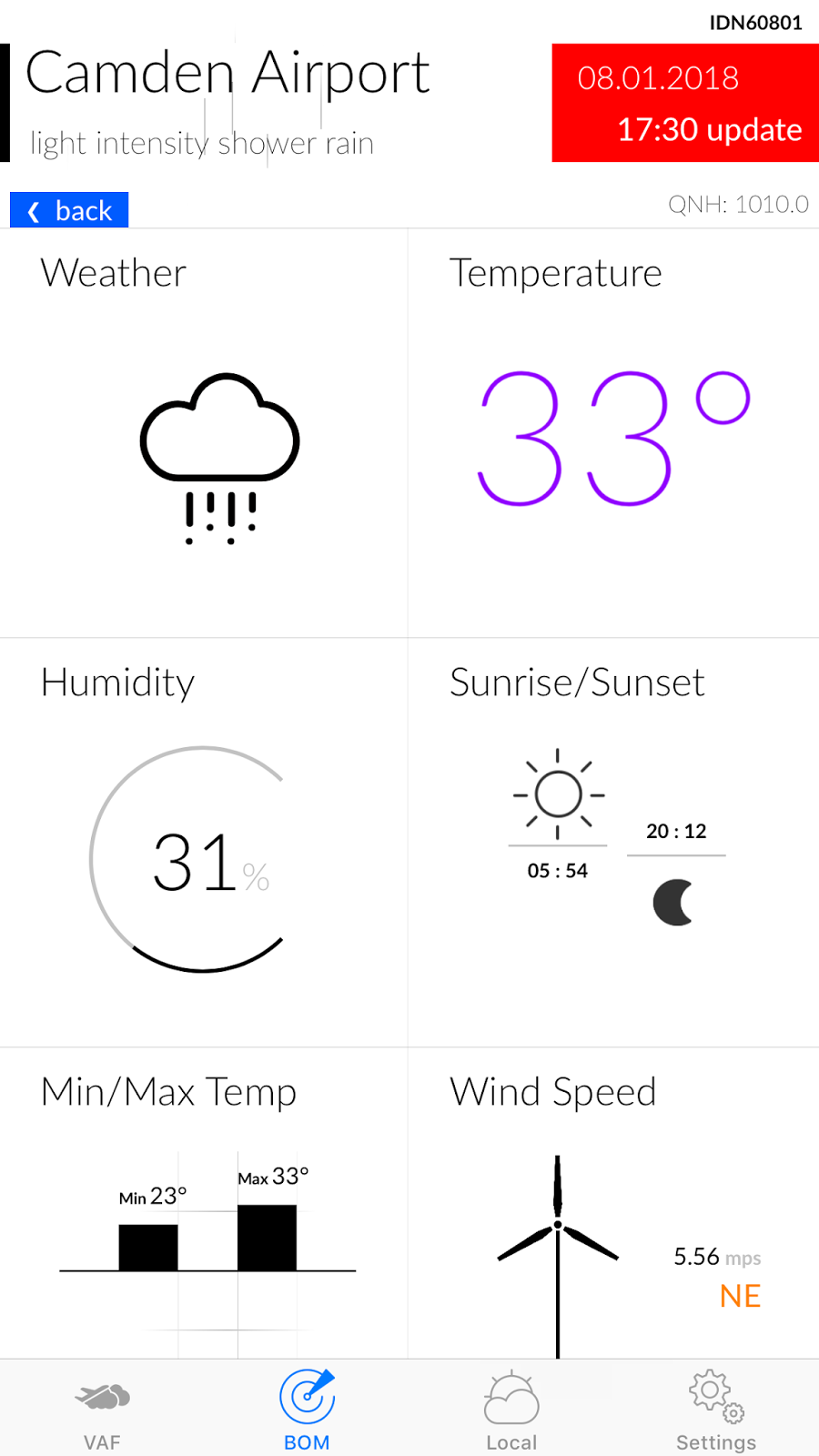
The Local tab provides information similar to Observations but for where ever you are at that moment. The first time you tap the Local Tab it will ask your permission to access location services. You need to accept this otherwise the app doesn’t know where you are and can not display the local weather.
The Settings tab allows you to select:
– whether UTC (Zulu) time is displayed on certain screens along with the local time.
– the METAR data source (BOM or NOAA).
– wind speed units (mps, kph or knots).
– displayed temperature units (°C or °F)
The Feedback button allows direct support from the Developer. Please use this for any bug reports or feature requests.
Note: Airservices Australia is the official provider of the Aeronautical Information Service, which includes the delivery of aviation meteorological products. Therefore, all information for the purpose of flight planning should be obtained from Airservices Australia.


I tried to find your visual aircraft app on the App Store as per your ad in Australian Flying that came out today. It is nowhere to be found. I want it how do I get the iPad app. The new NAIPS is crap , pilots need this app now.
Hi Michael, thanks for the comment. If you search for Reefwing Software on the app store it should bring it up. Alternatively, try this link: https://itunes.apple.com/us/app/visual-aircraft-forecasts/id1336879137?mt=8&uo=8&at=1010lIU6
Just purchased your AFD app, seems a few problems exist, hung a few times so far getting stuck on pages just showing updating, I,m using a iphone SE with 11.3.1 the biggest issue is I can’t add airports to the Metar/TAF page. I deleted all but two airports from the original list but can’t add any to the list. What can be done to solve these problems ?
Hi Ron, thanks for the email. That’s weird – I’ve tested the app on an iPhone SE with 11.3.1 and it works for me. Can you try closing the app completely (not just minimise it). To do this, open up the app switcher by double-pressing the Home button (note that you’re actually pressing the button down here you aren’t just tapping the Touch ID sensor). You’ll get a series of icons and app thumbnails you can swipe through.
To close VAF, swipe upward on that app’s screenshot thumbnail until you flick it off of the screen. Once you’re done, press the Home button. Restart the app and see if that fixes the issue. If you are still having problems then email me direct at: support@reefwing.com.au